Compress image online
Make photos and graphics smaller without a visible drop in quality. Compression runs on your device, so your pictures are never uploaded.
Updated
Drop files here or choose files
Your files stay on this device. Nothing is uploaded. You can also paste an image.
Your files are processed in your browser and never leave your device.
- Batch friendly
- Works on any device
- No account needed
How to compress an image
- Add your imagesChoose JPG, PNG, WebP or AVIF files, drop them on the box, or paste one. You can add up to 30 at once, or 15 on a phone.
- Set the qualityThe default quality of 75 is a good balance for photos. Lower it for a smaller file, raise it if you can see artifacts.
- Compress and downloadPress Compress. Each file shows its old size, new size and the percentage saved. Download one by one or all in a ZIP.
What does it mean to compress an image?
An image file stores the color of every pixel. Compression finds a shorter way to write that information down. Lossy compression, used by JPG, WebP and AVIF, throws away detail your eyes barely notice. Lossless compression keeps every pixel exactly and only removes wasted bytes.
Smaller files upload faster, load faster on a web page, fit under email limits and take less room on your phone. A photo straight from a camera often weighs 3 to 10 MB. The same photo at quality 75 usually looks identical on screen and weighs a few hundred KB. In our own test, a 4032 by 3024 pixel (12 MP) JPG of 2.18 MB became 324 KB at quality 75 (85 percent smaller) and 162 KB at quality 60. The test image had camera-like noise; smooth pictures and screenshots behave differently, and a file that is already well compressed saves less. The table below lists every setting we measured.
This tool never makes a file bigger. If the result is not smaller than your original, the original is kept and you are told so.
How much smaller does each setting make the file?
We ran the real tool on a 12 MP JPG and on a PNG illustration and recorded the file the browser downloads. Quality 75 is the default. Limiting the longest side to 2560 pixels saved the most because it removes pixels, not just detail.
| Input | Setting | Result size | Saved |
|---|---|---|---|
| JPG, 4032 x 3024 px, 2.18 MB | Quality 75 (default) | 324 KB (323,774 bytes) | 85% |
| Same JPG | Quality 60 | 162 KB (162,420 bytes) | 93% |
| Same JPG | Quality 75, Convert to WebP | 239 KB (239,154 bytes) | 89% |
| Same JPG | Quality 75, Max dimension 2560 px | 117 KB (116,729 bytes) | 95% |
| PNG illustration, 1200 x 800 px, 530 KB | PNG mode Smaller (256 colors) | 130 KB (130,196 bytes) | 75% |
| Same PNG | PNG mode Lossless | 365 KB (364,724 bytes) | 31% |
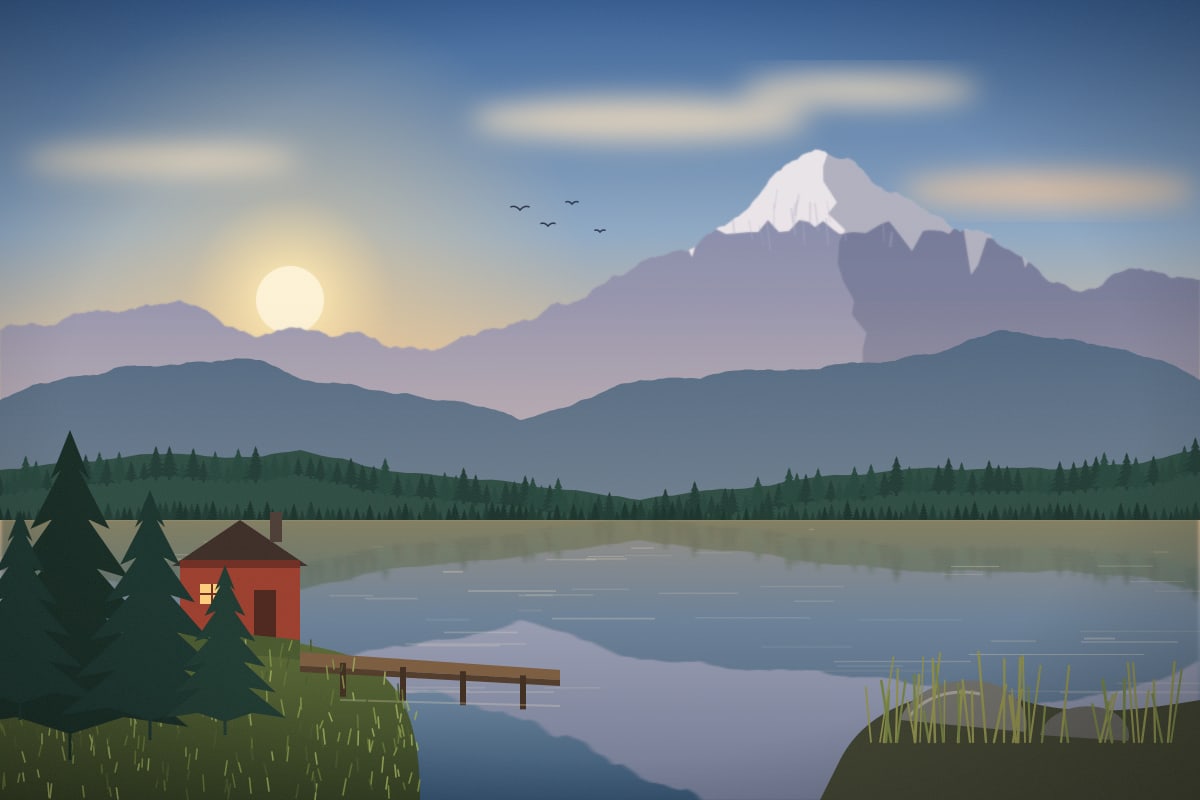
Test image: our own sample scene scaled to 4032 by 3024 pixels (12 MP) with seeded camera-like noise added, so it behaves like a detailed photo. Real photos differ, and flat graphics behave differently. The JPG input was saved at quality 92. The PNG is our sample scene.
What each setting does
Quality applies to JPG, WebP and AVIF. It runs from 1 to 100. Between 70 and 80 most photos show no visible loss. Below 50 you start to see blocks and blur around edges.
PNG has two modes. Smaller reduces the picture to a palette of up to 256 colors, which cuts logos, screenshots and flat illustrations dramatically and is usually invisible. Lossless keeps every pixel and only repacks the file, so the saving is smaller but the picture is identical. Photos with soft gradients can show banding in the Smaller mode, so check the preview.
Max dimension scales down very large pictures before compressing. A 6000 pixel wide photo is far more than a screen needs. Limiting it to 1920 or 2560 pixels often saves more than any quality setting.
- Convert to WebP makes a WebP copy. Google's study found lossy WebP 25 to 34 percent smaller than JPEG at the same quality, and in our test the WebP at quality 75 was 26 percent smaller than the JPG at quality 75.
- Keep metadata leaves camera and color profile data in JPG files. It is off by default, which also removes GPS location.
- Use the compare slider to inspect the result before you download.
Compress images on iPhone, Android and Mac
You do not need an app. Open this page in Safari, Chrome or any modern browser, tap Choose files and pick photos from your library. On an iPhone, HEIC photos must be converted to JPG first, so use the HEIC to JPG tool, then compress the result here.
On a Mac or a Windows computer the steps are the same. Drop a whole folder of photos on the box, set one quality for all of them and download a ZIP. Processing happens on your own processor, so large batches are limited only by your device memory.
Reduce a file to a target size in KB
Forms often ask for a photo under 200 KB or 1 MB. Compress first, then look at the size shown in the result row. If it is still too big, lower the quality in steps of 10 or set Max dimension to 1920 and compress again. If you need an exact size, the Resize image tool has a target file size mode.
A quick reference: 1 MB is 1024 KB, and 1 KB is 1024 bytes. So a 2 MB photo is about 2048 KB.
Before and after

Questions
How do I compress an image without losing quality?
Use PNG Lossless for graphics, or keep JPG quality at 80 or higher. For photos, quality 75 to 80 is visually the same as the original for almost everyone. Use the compare slider to check.
How many KB is a MB?
One MB is 1024 KB in most computer systems, though some tools count 1000 KB. This page shows sizes with the 1024 rule. KB is smaller than MB, so 500 KB is half of 1 MB roughly.
Is it safe to compress private photos here?
Yes. Compression runs inside your browser and the files never leave your device. The page makes no upload request while you work.
Why did the tool say Original kept?
Some files are already as small as they can get. If the compressed result would be the same size or bigger, the tool returns your original so you never end up with a worse file.
How do I compress an image on iPhone?
Open this page in Safari, tap Choose files, select photos, and press Compress. Download the result to Files or Photos. HEIC photos should be converted to JPG first.
Can I compress many images at once?
Yes. Add up to 30 files on a computer or 15 on a phone, use one setting for all, and download them together as a ZIP.
Which format compresses best?
AVIF and WebP give the smallest files for photos. JPG is the safest for compatibility. PNG is best for graphics with sharp edges and few colors, and the Smaller mode shrinks it a lot.