Blur image online
Soften a whole picture or blur only the parts you pick, such as a face, a license plate or a background. Everything runs in your browser, so your photos are never uploaded.
Updated
Drop files here or choose files
Your files stay on this device. Nothing is uploaded. You can also paste an image.
Your files are processed in your browser and never leave your device.
- Batch friendly
- Works on any device
- No account needed
How to blur an image
- Add your imagesChoose JPG, PNG, WebP, AVIF, GIF or BMP files. You can add up to 30 at once, or 15 on a phone.
- Choose what to blurKeep Whole image to blur everything, or pick Selected areas and drag on the picture to draw a box. Draw as many boxes as you need and remove any of them with the small button.
- Set the strength and blurMove the Blur strength slider, press Blur image and compare the result with the original. Download each file or a ZIP.
What does blurring an image do?
Blurring replaces each pixel with an average of the pixels around it. Sharp edges turn into smooth gradients and small details melt away. A little blur softens skin or noise. A lot of blur turns a busy area into soft color patches.
This tool uses three passes of a box filter, which together closely match a Gaussian blur, the same soft look you get in photo editors. The strength is measured against the size of your picture, so the same slider position looks alike on a phone snapshot and on a large camera file.
When you blur only some areas, the filter also looks a little way outside each box. That keeps the edge of the box smooth, with no visible rectangle and no hard line where the blur stops.
Blur part of an image
Pick Selected areas, then press and drag on the picture. A box appears and stays on the image. Draw another box for a second face or a second line of text. Each box has a number and a remove button, and the list in the options panel lets you remove one or clear them all.
On a phone or tablet, draw with one finger. The picture does not scroll while you draw inside it. If you load several images, the same relative boxes are used on each one, which works well for photos taken from the same spot.
- Blur a background to put the focus on a person or product.
- Soften skin, noise or a distracting detail.
- Hide a face, a license plate or an address on a street photo.
- Make a soft backdrop for text in a design.
Blur is not a safe way to hide secrets
A light blur can be undone more often than people expect. Text that was blurred with a small radius can sometimes be read again by software that guesses the original shapes. Faces blurred only a little may still be recognised by someone who knows the person.
If the goal is to hide private information, use a very strong blur, or better, use the Pixelate image tool with large blocks, or cover the area with a solid color in an editor. Then check the result at full size before you share it. Removing location data is automatic here, because the downloaded file contains no camera or GPS information.
Formats, quality and batches
The output keeps the format of the input by default. JPG and WebP files are saved again at quality 92, which looks the same as the original for normal photos, and PNG is saved without loss. Transparency in PNG and WebP is kept, and transparent pixels do not leak color into the blur. You can pick another format or lower the quality to get a smaller file.
Large photos are fine. The blur takes about the same time whatever the strength, and the work runs in the background so the page stays responsive.
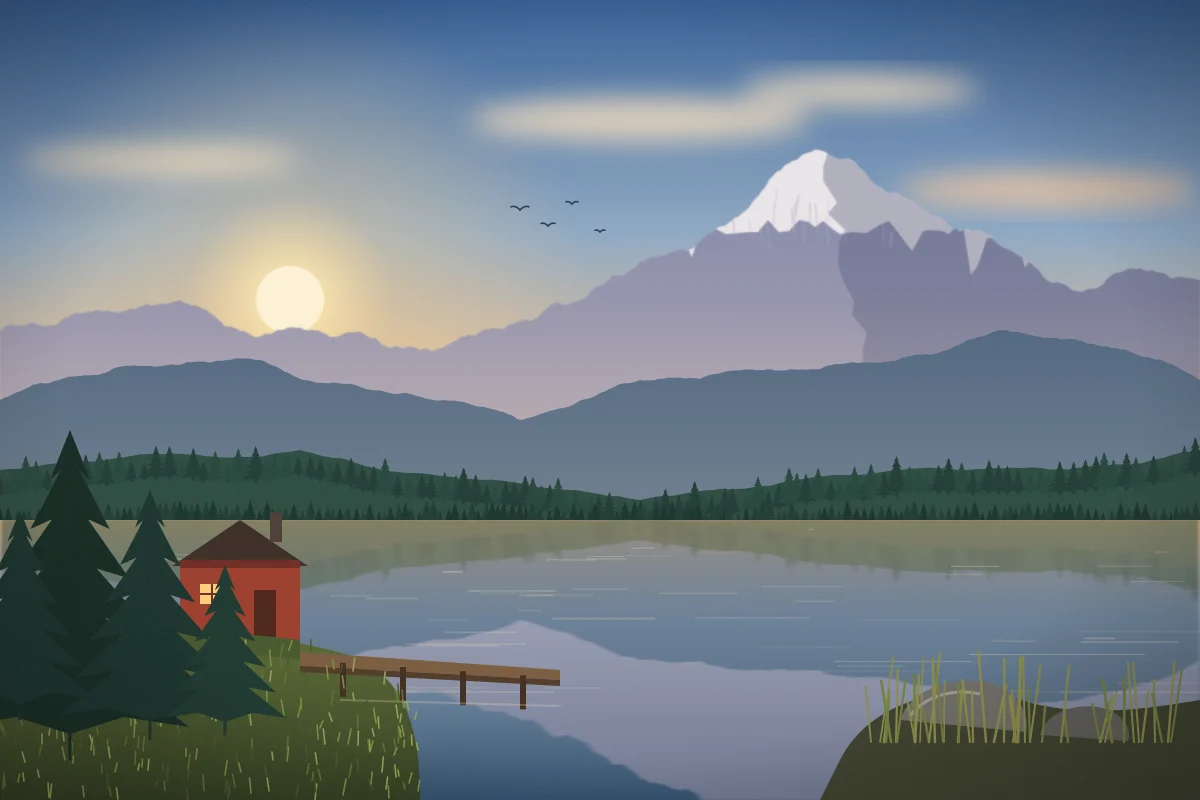
Before and after

Questions
How do I blur part of an image?
Add the image, choose Selected areas, drag on the picture to draw a box over the part you want to blur and press Blur image. Everything outside the boxes stays exactly as it was.
How do I blur the background of a photo?
Choose Selected areas and draw boxes over the background. The areas are rectangles, so for a background around a subject use several boxes that avoid the subject. Everything outside the boxes stays sharp.
Is blurring a face or text safe for privacy?
Not always. A small blur radius can sometimes be reversed or guessed. For sensitive details use a strong blur, a large-block mosaic from the Pixelate image tool, or a solid fill, and check the result before sharing.
What does the blur strength number mean?
It is relative to the size of the picture. A value of 12 on a large photo gives a bigger blur in pixels than 12 on a small image, so both look similar on screen.
Is my image uploaded?
No. The blur runs in your browser and the picture is never sent to a server.
Does blurring reduce image quality?
Blurred areas lose detail on purpose. The rest of a JPG or WebP is saved again at quality 92 by default, which looks the same for photos. PNG keeps every pixel outside the blur.
Can I blur several images at once?
Yes. Add up to 30 on a computer or 15 on a phone and blur them with one click. In area mode the same relative boxes are used on every image.